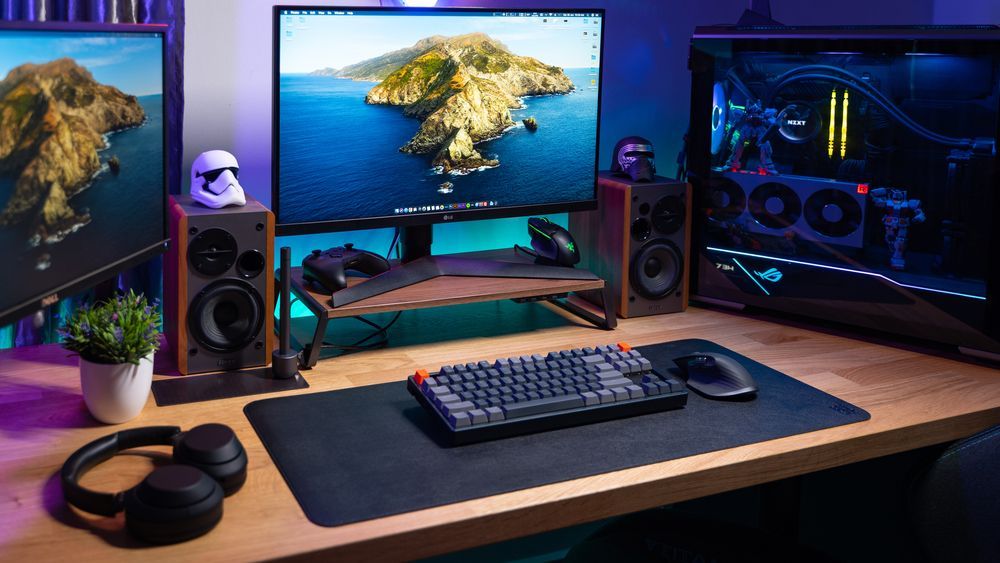
Tactical Operations

Engineered With Clearance-Level Control

Our services are built for performance, reliability, and operational control. From gaming PC rigs to enterprise servers, from network cabling to tactical support, each service is executed with strategic precision.

Custom Computer Builds

We build high-performance machines configured for speed, stability, and your exact mission requirements. Every unit is assembled with precision—from optimized airflow and power efficiency to clean, MIL-SPEC cable management. Whether you’re gaming, streaming, creating, or running heavy workloads, your system is engineered to deliver superior performance under pressure.

Book Now 🡥

Gaming & streaming rigs

Cable management with MIL-SPEC neatness

Enterprise-grade setups

Server Builds

Our servers are designed as reliable, battle-ready units built for demanding environments. Whether for data storage, virtualization, or business operations, each system is equipped with redundant components, secure configurations, and scalable architecture. These servers are built to operate continuously and withstand mission-critical workloads with exceptional uptime.

Book Now 🡥

NAS and backup servers

Built for 24/7 uptime missions

Virtualization-ready units

LAN & Network Installation

We design and deploy secure, stable networks that ensure seamless connectivity across homes, offices, and gaming environments. From structured cabling to WiFi optimization, every installation is executed with precision to deliver maximum speed, wider coverage, and hardened security. Your network becomes a stronghold—optimized for both performance and protection.

Book Now 🡥

Network planning & design

Wired & wireless installations

Speed, coverage & security optimization


Tactical IT Support Plans

Our Tactical IT Support Plans give you structured, clearance-level access to continuous maintenance, monitoring, and response.

Book Now 🡥

CLASSIFIED

Level 1 Clearance


Basic diagnostics

System checkups

Warranty assistance

SECRET

Level 2 Clearance


Priority support

Remote monitoring

System hardening

Scheduled maintenance

TOP SECRET

Level 3 Clearance


Full tactical coverage

On-site operational response

Advanced security protocols

Maximum uptime protection


BUILD HELP

Guidance and support for your custom system mission

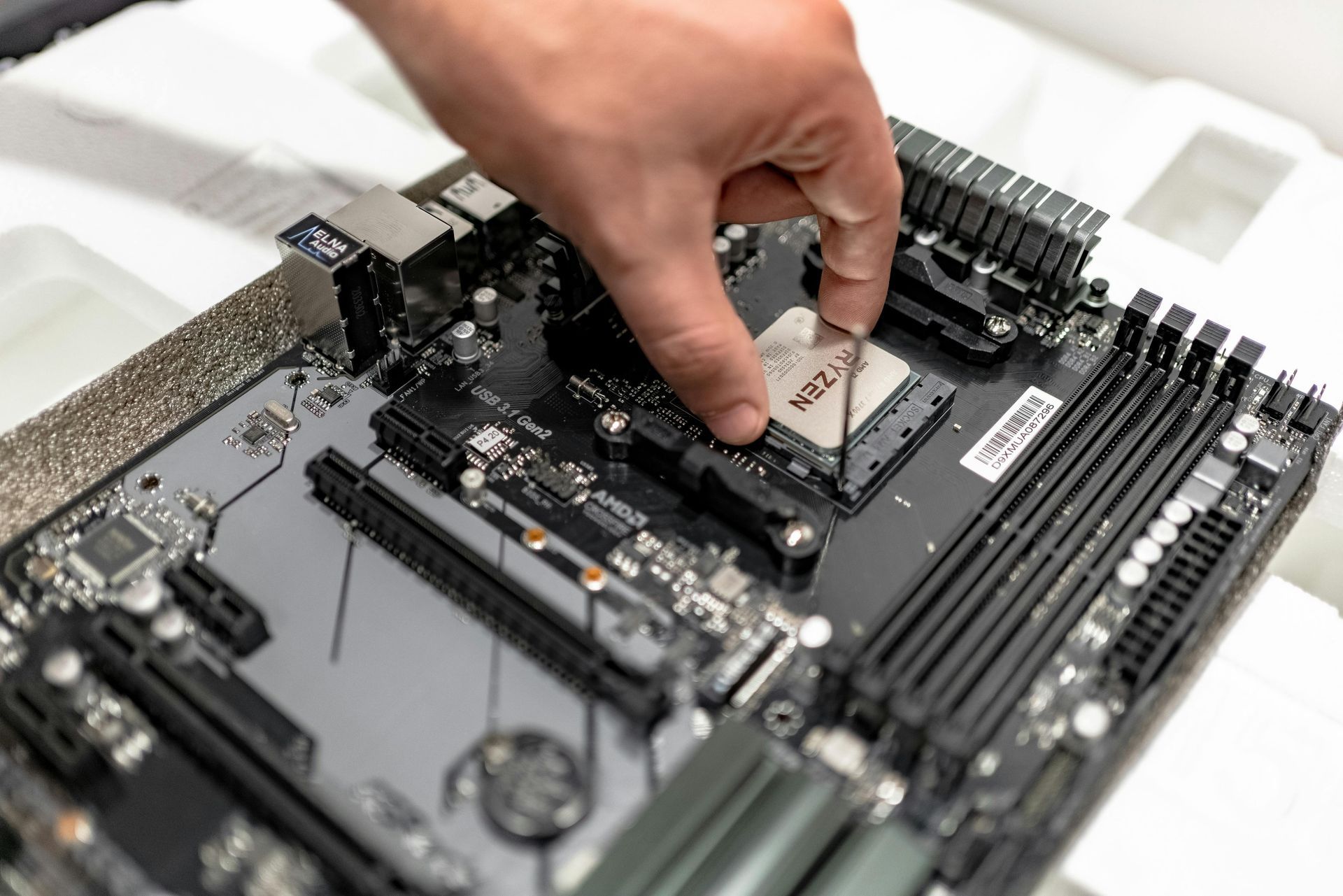
Whether you’re a first-time builder or an experienced user, our Build Help section provides step-by-step guidance, troubleshooting, and expert tips to ensure your system runs flawlessly.

By sites February 19, 2026
Tips for creating clear, helpful, and engaging build guides Write About What You Know Focus on the topics you are confident in. If you aren’t an expert on a specific area, invite a colleague or specialist to contribute. Accuracy is key—your readers rely on your guidance to build or troubleshoot their systems. [Text Box Placeholder: Insert your introduction and topic overview here] Keep Your Audience in Mind Think about who will read your guide. Are they beginners, gamers, small business owners, or IT enthusiasts? Tailor your language, examples, and instructions so they make sense to your audience. [Text Box Placeholder: Describe your audience and tone for this guide here] Plan Your Build Help Steps Break your guide into clear, logical steps. Some authors prefer starting with the title and working through paragraphs; others start with subtitles or numbered steps. Use whichever structure helps your readers follow along most easily. [Text Box Placeholder: Outline the step-by-step instructions or headings here] Include Images and Visuals Add high-quality images for each step if possible. Photos of components, installation steps, screenshots, or diagrams make your guide easier to follow and more engaging. [Text Box Placeholder: Upload images, diagrams, or screenshots for this guide here] Review and Edit Carefully After drafting your guide, set it aside for a short time, then review it with fresh eyes. Look for clarity, accuracy, and readability. Ask a colleague to proofread it as well. Once it’s polished, it’s ready to publish. [Text Box Placeholder: Add final review notes or checklist items here] Optional: Add a Call-to-Action Encourage readers to reach out if they need help, ask questions, or explore your services: Example CTA: “Need help with your build? Contact our support team for expert guidance today!” [Text Box Placeholder: Insert CTA text here]
By sites February 19, 2026
Tips for creating clear, helpful, and engaging build guides Write About What You Know Focus on the topics you are confident in. If you aren’t an expert on a specific area, invite a colleague or specialist to contribute. Accuracy is key—your readers rely on your guidance to build or troubleshoot their systems. [Text Box Placeholder: Insert your introduction and topic overview here] Keep Your Audience in Mind Think about who will read your guide. Are they beginners, gamers, small business owners, or IT enthusiasts? Tailor your language, examples, and instructions so they make sense to your audience. [Text Box Placeholder: Describe your audience and tone for this guide here] Plan Your Build Help Steps Break your guide into clear, logical steps. Some authors prefer starting with the title and working through paragraphs; others start with subtitles or numbered steps. Use whichever structure helps your readers follow along most easily. [Text Box Placeholder: Outline the step-by-step instructions or headings here] Include Images and Visuals Add high-quality images for each step if possible. Photos of components, installation steps, screenshots, or diagrams make your guide easier to follow and more engaging. [Text Box Placeholder: Upload images, diagrams, or screenshots for this guide here] Review and Edit Carefully After drafting your guide, set it aside for a short time, then review it with fresh eyes. Look for clarity, accuracy, and readability. Ask a colleague to proofread it as well. Once it’s polished, it’s ready to publish. [Text Box Placeholder: Add final review notes or checklist items here] Optional: Add a Call-to-Action Encourage readers to reach out if they need help, ask questions, or explore your services: Example CTA: “Need help with your build? Contact our support team for expert guidance today!” [Text Box Placeholder: Insert CTA text here]
By sites February 19, 2026
Tips for creating clear, helpful, and engaging build guides Write About What You Know Focus on the topics you are confident in. If you aren’t an expert on a specific area, invite a colleague or specialist to contribute. Accuracy is key—your readers rely on your guidance to build or troubleshoot their systems. [Text Box Placeholder: Insert your introduction and topic overview here] Keep Your Audience in Mind Think about who will read your guide. Are they beginners, gamers, small business owners, or IT enthusiasts? Tailor your language, examples, and instructions so they make sense to your audience. [Text Box Placeholder: Describe your audience and tone for this guide here] Plan Your Build Help Steps Break your guide into clear, logical steps. Some authors prefer starting with the title and working through paragraphs; others start with subtitles or numbered steps. Use whichever structure helps your readers follow along most easily. [Text Box Placeholder: Outline the step-by-step instructions or headings here] Include Images and Visuals Add high-quality images for each step if possible. Photos of components, installation steps, screenshots, or diagrams make your guide easier to follow and more engaging. [Text Box Placeholder: Upload images, diagrams, or screenshots for this guide here] Review and Edit Carefully After drafting your guide, set it aside for a short time, then review it with fresh eyes. Look for clarity, accuracy, and readability. Ask a colleague to proofread it as well. Once it’s polished, it’s ready to publish. [Text Box Placeholder: Add final review notes or checklist items here] Optional: Add a Call-to-Action Encourage readers to reach out if they need help, ask questions, or explore your services: Example CTA: “Need help with your build? Contact our support team for expert guidance today!” [Text Box Placeholder: Insert CTA text here]